Arcade
Tap blocks into the gap, make color matches and chase a score against the clock.
 Get the game
The offline guide
Bored Blocks is an offline puzzle game for iPhone and Android. Install it first, then play Arcade and unlocked Puzzles without an internet connection or a Bored Blocks account.
Official Bored Blocks guide · Code Technology · Updated November 20, 2026
The quick answer
A flight, a train ride or a patchy signal doesn’t have to interrupt a puzzle break. The board runs in the installed app. Online rankings and rewarded ads are separate features that need a connection.
Check before you travel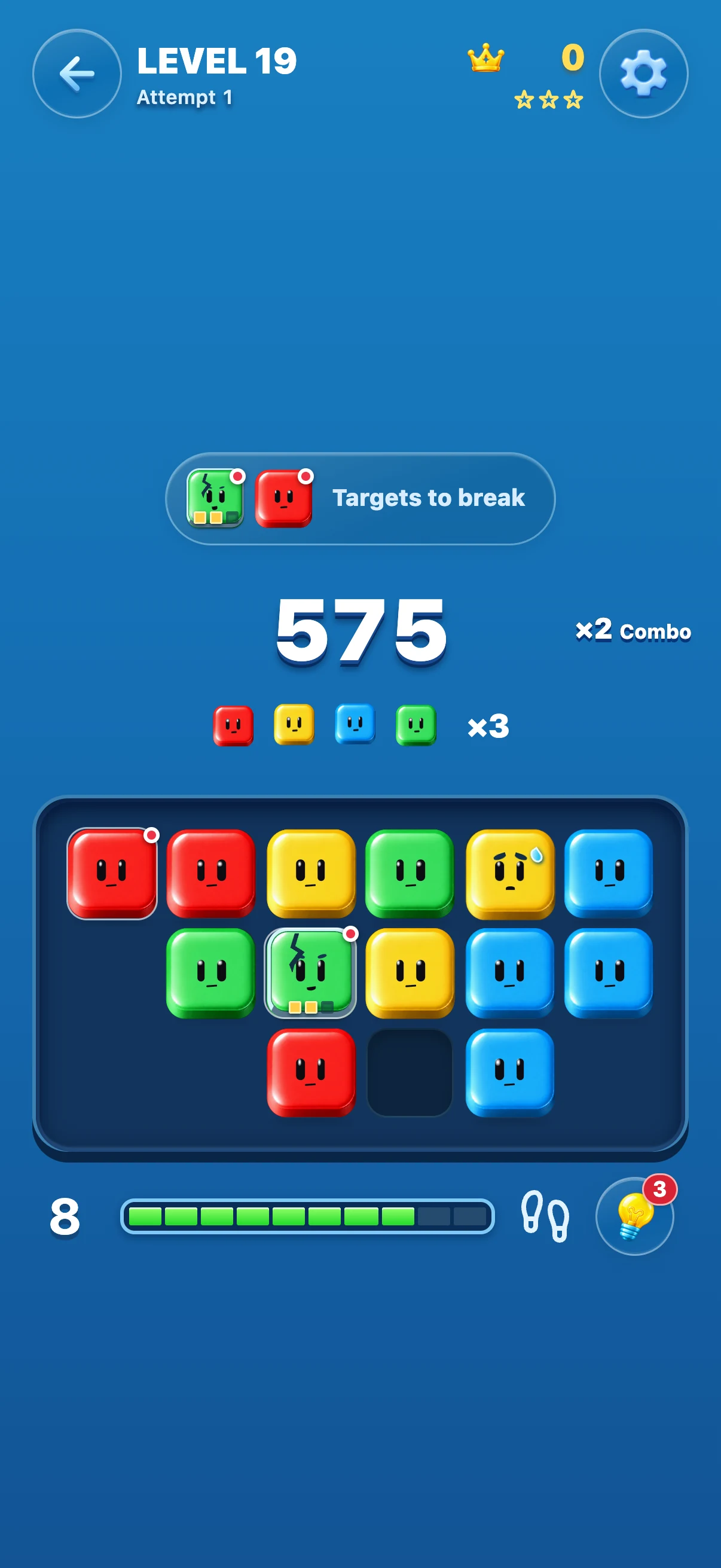
Know before you go
Tap blocks into the gap, make color matches and chase a score against the clock.
Clear marked targets within the available moves. There’s no countdown, so you can think before tapping.
Viewing online leaderboards requires internet. An offline score does not confirm that it has reached the leaderboard.
Don’t plan around an ad reward while offline. Even with a connection, ad availability can vary.
A little preparation
No. Bored Blocks is free to download and includes advertising. Offline support tells you where you can play; it isn’t an ad-free purchase or a promise about ads when connected.
Regular offline gameplay does not require a Bored Blocks account. Your phone may require an Apple or Google account to download the app. Online leaderboard features are separate.
The full game runs in the installed app, not on this website. If you want to see how it works first, watch the real gameplay demonstration.
Play Arcade and check Arcade Rewards for the unlock requirement in your installed version. Before a trip, confirm Puzzles opens on your device. You can still choose Arcade for an offline run.
Your next clever move
Free to download. Includes ads. Available for iPhone and Android.